Your forms, your words.
Start with a ready-made report or build your own with up to 12 sections – or import the headings from a Word document you already use. The company glossary keeps customer names, materials and streets spelled your way.
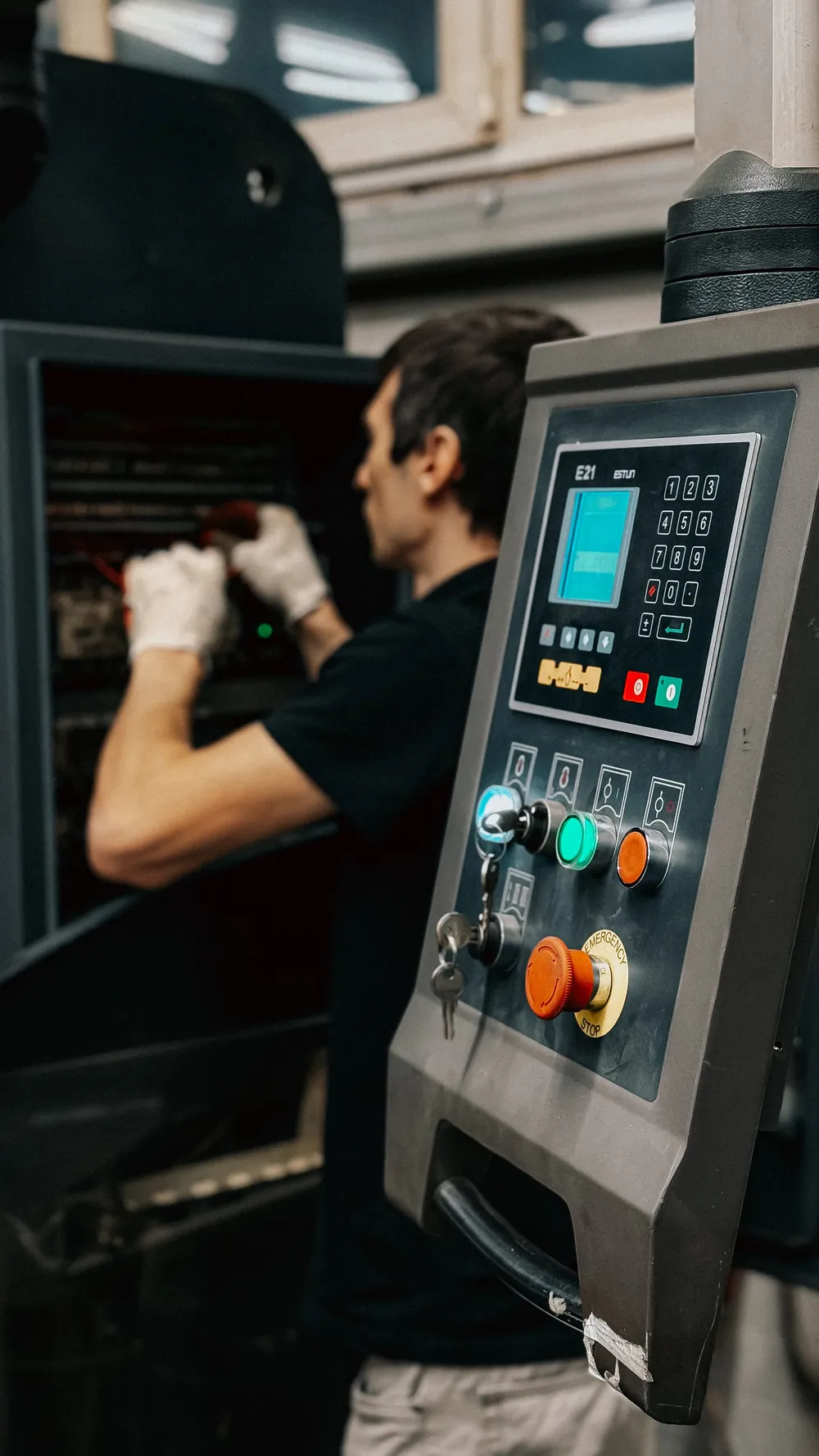
Record a voice note in the production hall, on site or after a meeting. Feldnotiz turns it into a maintenance report, job report or meeting minutes in your format. You check it, approve it and send it as PDF or Word.


Open Feldnotiz on your phone and talk the way you would explain the job to a colleague – at the machine, on site, in the van, after a meeting. Or upload a recording you already have.
Feldnotiz sorts what you said into your report: work performed, materials, hours, next steps. Whatever is missing or unclear is flagged for you, not made up.
Correct what you need, approve the report and export it as PDF or Word – for the customer, the office or your accountant.
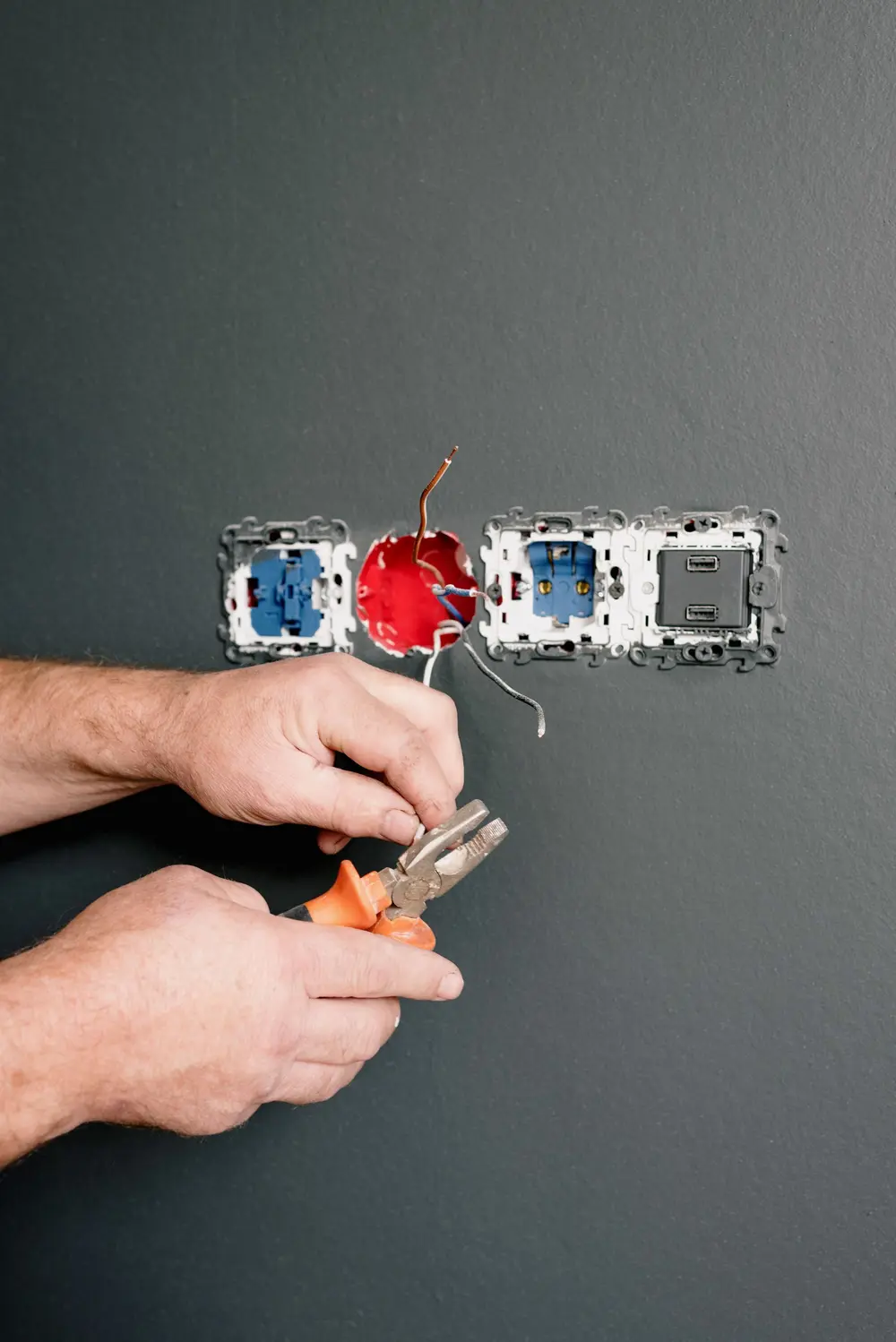
Ready-made reports for nine industries – industry and maintenance, construction and trades, property management, hospitality and the office.


Start with a ready-made report or build your own with up to 12 sections – or import the headings from a Word document you already use. The company glossary keeps customer names, materials and streets spelled your way.
Public tenders from Slovak state and municipal portals, filtered for your trade and region and sent to your phone.
We are choosing the next tool together with the people who use Feldnotiz. Tell us what eats your evenings. Tell us
Record one report tomorrow and see what Feldnotiz makes of it. Questions first? Write to us.